
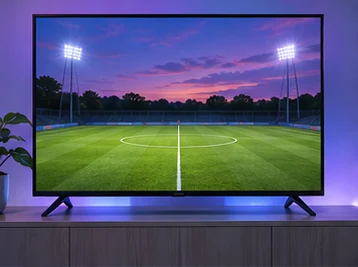
A live event gives you little time to troubleshoot once it begins. Spend a few minutes earlier in the day checking the fixture, the viewing device and the connection you will actually use.
Confirm the fixture and where you can watch
Look up the competition, teams and date in Fixtavio. It displays UK times. Recheck close to kick-off because schedules can change. An event appearing in a schedule does not establish coverage on VUAH, so ask the service about the particular fixture before relying on it.
If you are watching with other people in the house, check how many streams you expect to run at once and confirm any device or location rules. Decide which screen you want to use first so you do not spend the opening minutes switching devices.
Test earlier with the normal setup
Open the app you expect to use and test video on the same screen and network. Check sound as well as picture. If you normally use a soundbar, leave it connected for the test. If Wi-Fi is unreliable and your television supports Ethernet, compare the two before the event begins.
Turn off score alerts if you are sensitive to spoilers. A live stream can arrive later than radio or another viewer’s feed. If playback stops, record the time and programme, then try a second item before restarting equipment.
See the VUAH sports and fixtures pageIf the event does not play
Note whether the problem occurs before sign-in, when opening the channel or after video starts. Try a second channel in the same app. If that plays, record the event, channel and UK time of the failure. If several channels fail, compare another video app on the same device before restarting. Keep the results for support and follow the buffering guide if playback repeatedly pauses.